![logo - 512.png]](https://help.timeero.com/hs-fs/hubfs/logo%20-%20512.png?width=75&height=75&name=logo%20-%20512.png)
What Needs to Happen Before I Export?
- If you have not yet enabled the integration, please follow the steps in our QuickBooks Online Set-up Article to connect the integration.
- Ensure that your Mileage Chart of Accounts is mapped.
- Set up your Mileage Reimbursement rate in Timeero. This can be found in the Company Settings.
How Can I Export Mileage?
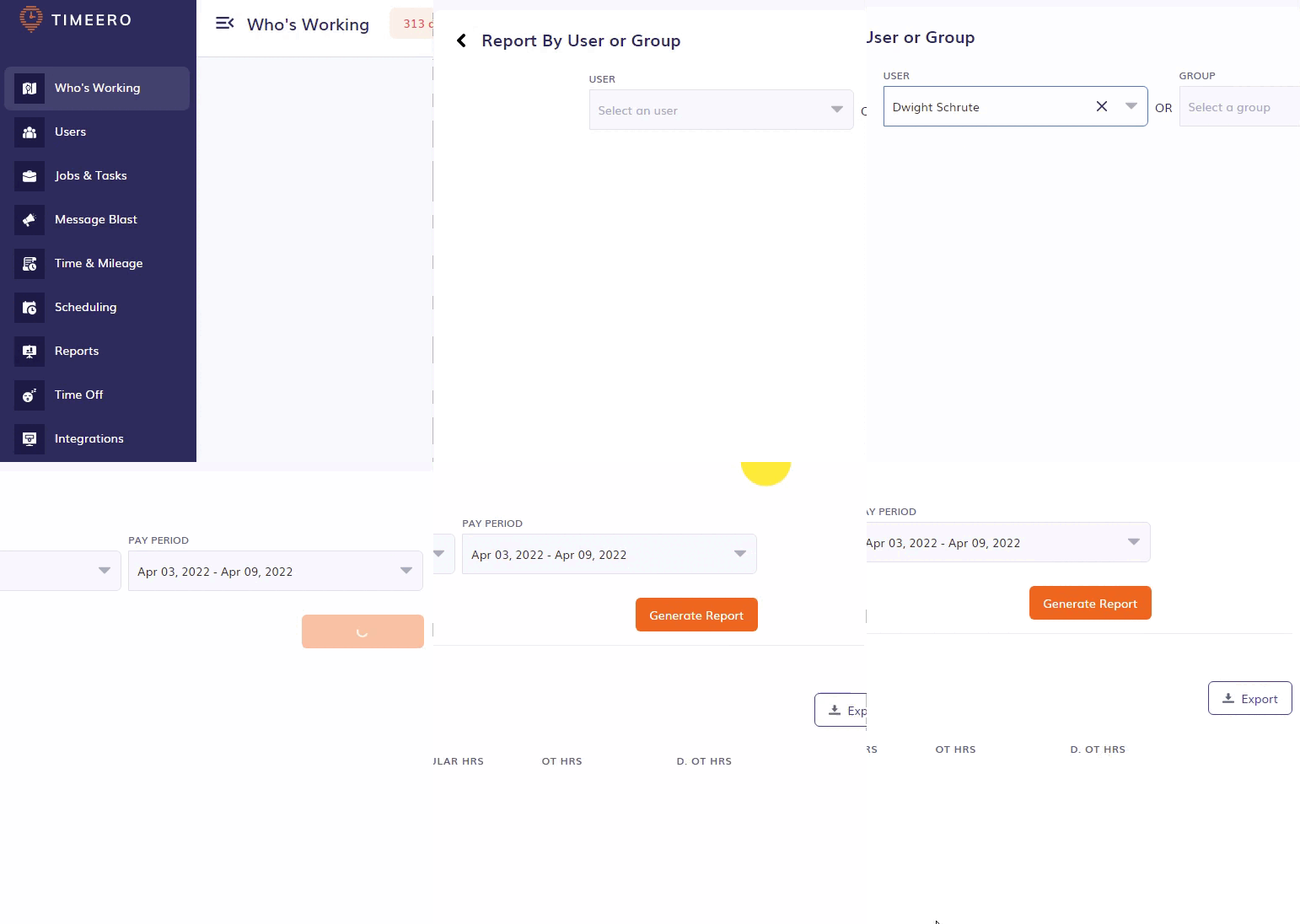
- Run a Timeero report by going to Reports > Report by User or Group or Report by Date Range.
- Choose the correct date range or pay period you want to use.
- Click Export then select one of the following options:
- Export Time & Mileage to QuickBooks Online
- Export Mileage Only to QuickBooks Online.
When the export is complete you will receive a message saying that the transfer was successful.
Where Can I Find Exported Mileage in QuickBooks Online?
Mileage costs will be shown under Expenses in QuickBooks Online.
*Timeero does not send the total mileage, it will send the total cost for the mileage. For Employees, that cost will be labeled as an expense in QuickBooks Online. For Contractors, it will be labeled as a bill.
*If you export twice, the second export will replace the entries from the first.
In QuickBooks Online click on View/Edit to view or add the name of the employee.
