![logo - 512.png]](https://help.timeero.com/hs-fs/hubfs/logo%20-%20512.png?width=75&height=75&name=logo%20-%20512.png)


Getting Started - Completing Set-up - FAQs
Learn How to:
- Begin setting up the Xero Integration.
- Navigate to correct article to complete the set-up.
*The Xero Integration will work differently in each country. Be sure to follow the proper steps for your country.
How Do I Get Started With Xero?
- In Timeero go to Integrations > Xero and under Xero click Configuration.
- Click Enable under the Configuration option.
- Log in to your Xero account.
- When prompted Confirm Xero integration? choose Yes.
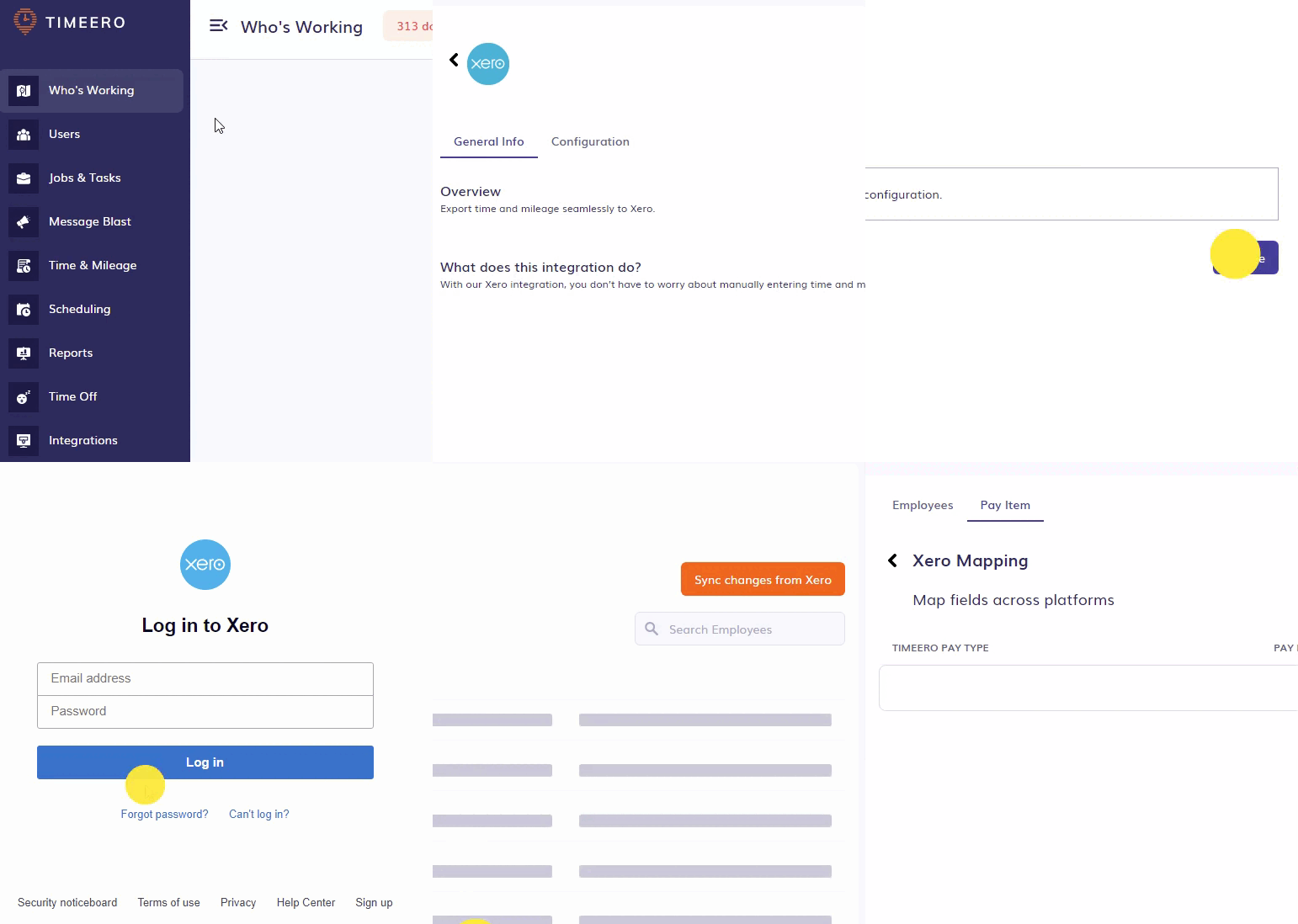
You will be asked to allow Timeero to access Xero and choose Allow access.

How Do I Complete the Xero Integration Set-up?
The steps to complete the set-up will differ based on what country you reside in. Please see the appropriate article to complete your integration:
FAQs
Will the Xero integration work in my country?
Timeero currently only integrates with Xero for customers located in the US, UK, and Australia.