![logo - 512.png]](https://help.timeero.com/hs-fs/hubfs/logo%20-%20512.png?width=75&height=75&name=logo%20-%20512.png)
Learn How to:
- Create manual timesheets on the web portal.
*Employees and Managers will need permissions from their admin to add timesheets manually.
How do I Add a Timesheet Manually?
- Navigate to the Time & Mileage page.
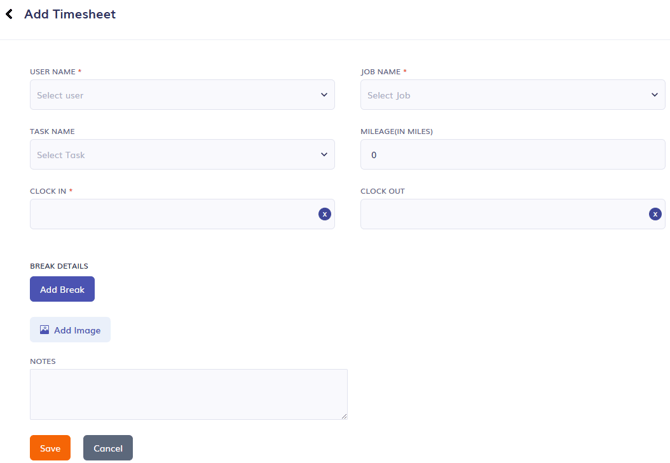
- Select Add Timesheet at the top of the page.
- Enter the timesheet details. Fields with a red * are required.
- Click Save at the bottom of the page.
How do I Add Breaks to a Manual Timesheet?
- While adding a timesheet select Add Break.
- Select the break type.
- Add a Duration or Check the box to Set start and end time.
- If setting a start and end time, select your times. These must fall within the timeframe of the timesheet.
FAQs
What if my employee forgot to clock in one day?
As an admin, you can manually add the timesheet for them or give them permission to add their own timesheet manually.